
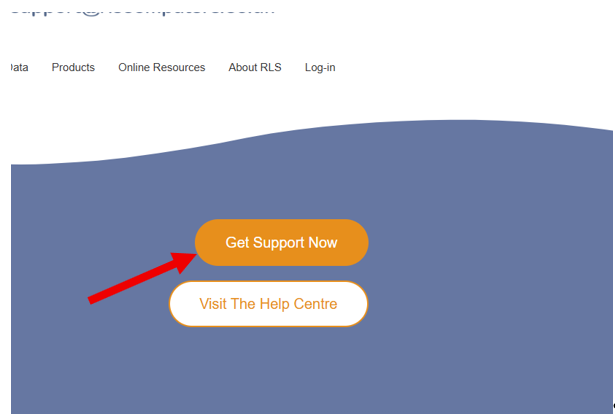
Get Support Now
Click Get Support Now below to download our remote support application to your PC to your "Downloads Folder"
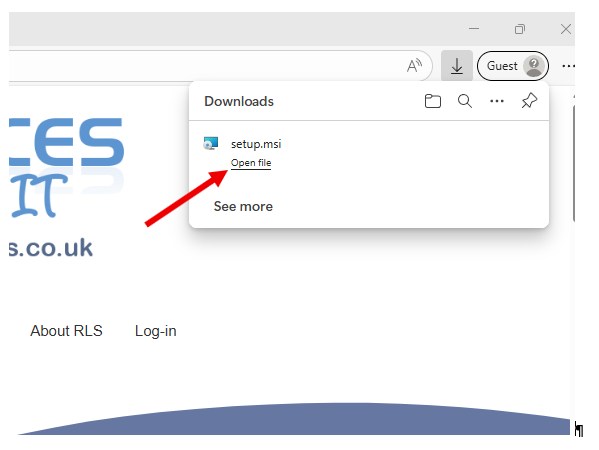
Run the Installer
This will install the app to your PC. Simply Click the setup.msi installer to start the installation.
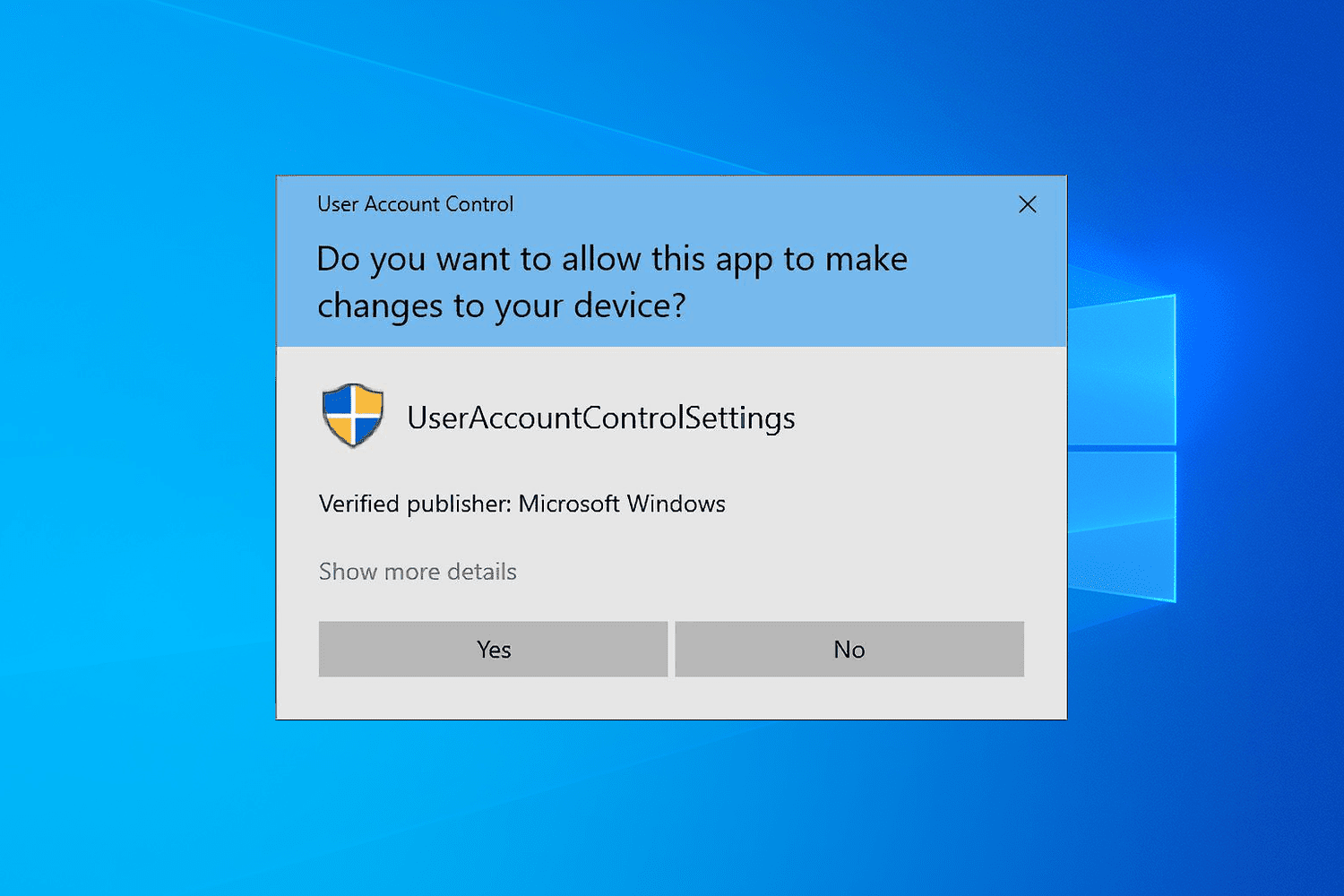
Approve Permissions
Click "Yes" to provide administrator permissions when prompted by Windows User Account Control (UAC)